1
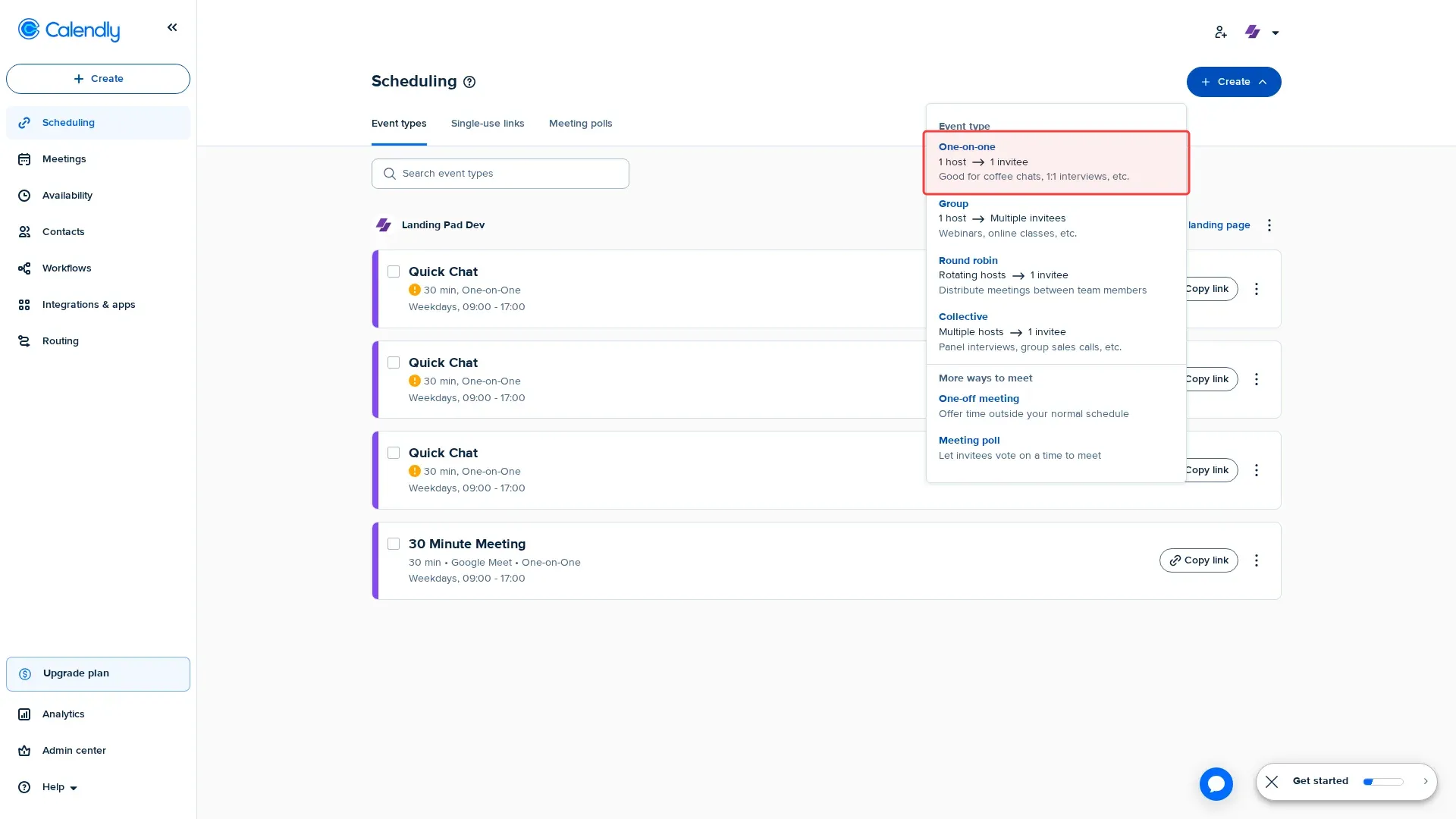
Click 'Create' button to start creating new event type.
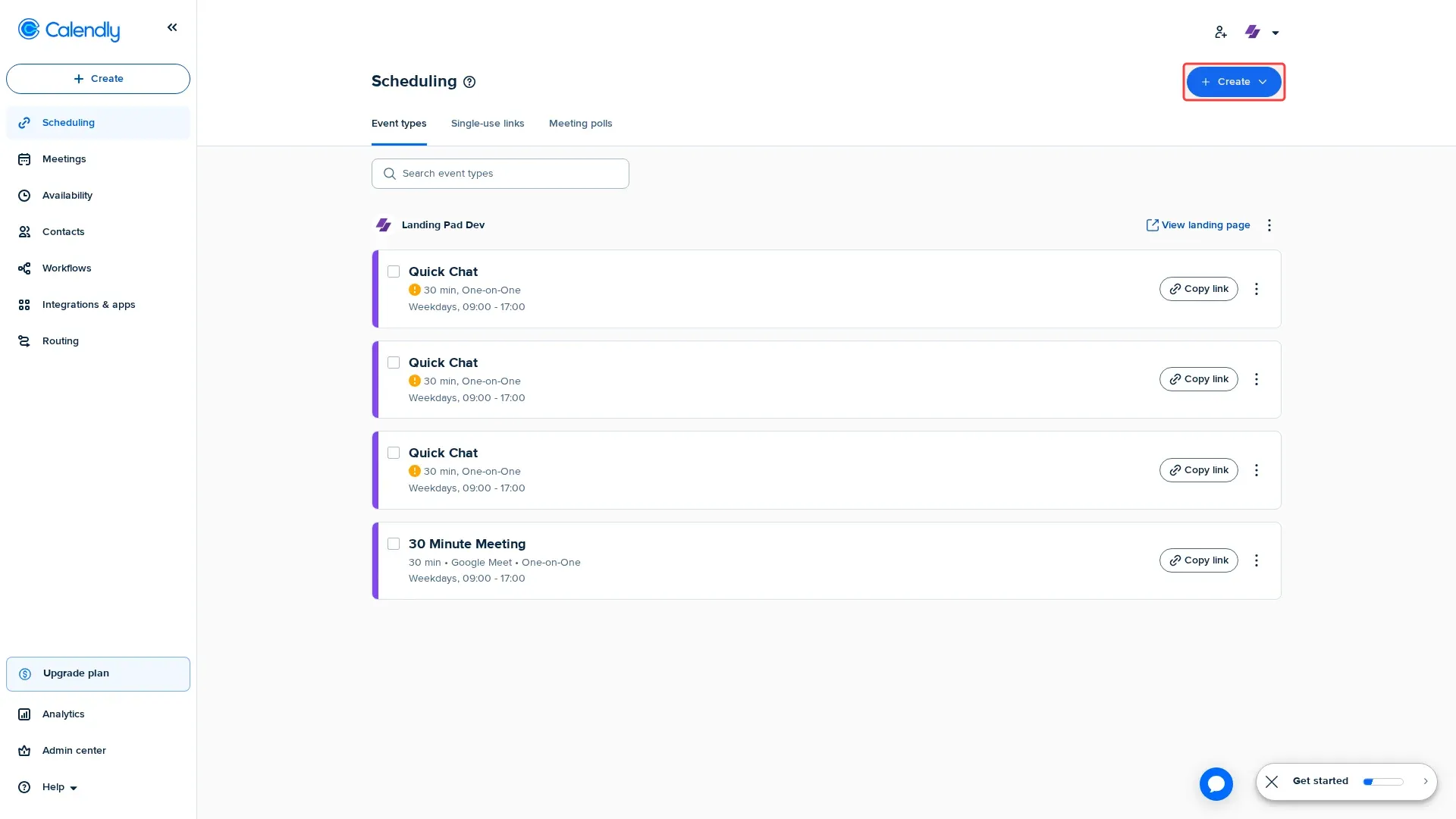
Step 1: Click 'Create' button to start creating new event type.
Step 2: Click 'One-on-one' to select event type option.
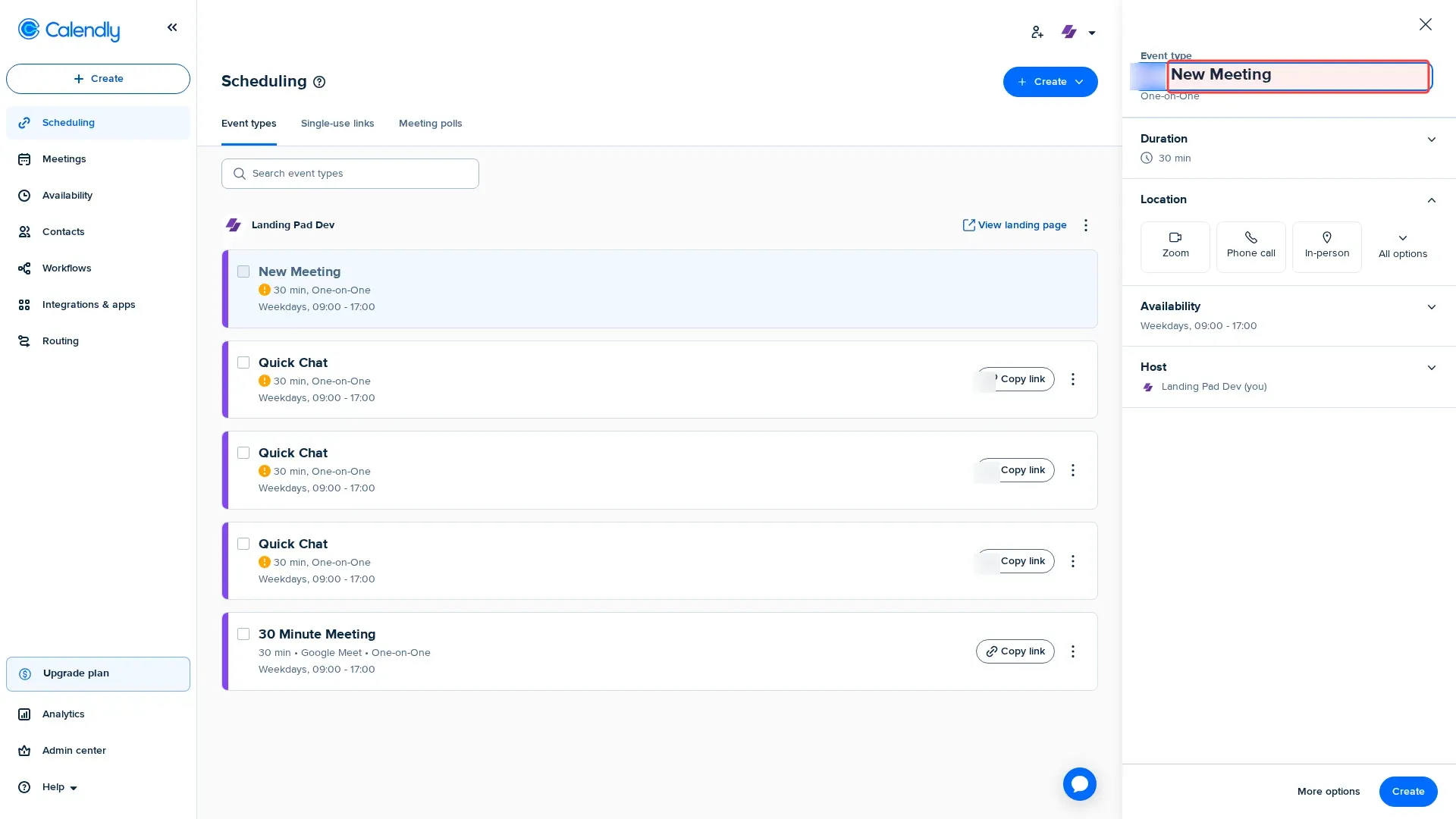
Step 3: Type 'Quick Chat' in the event name field.
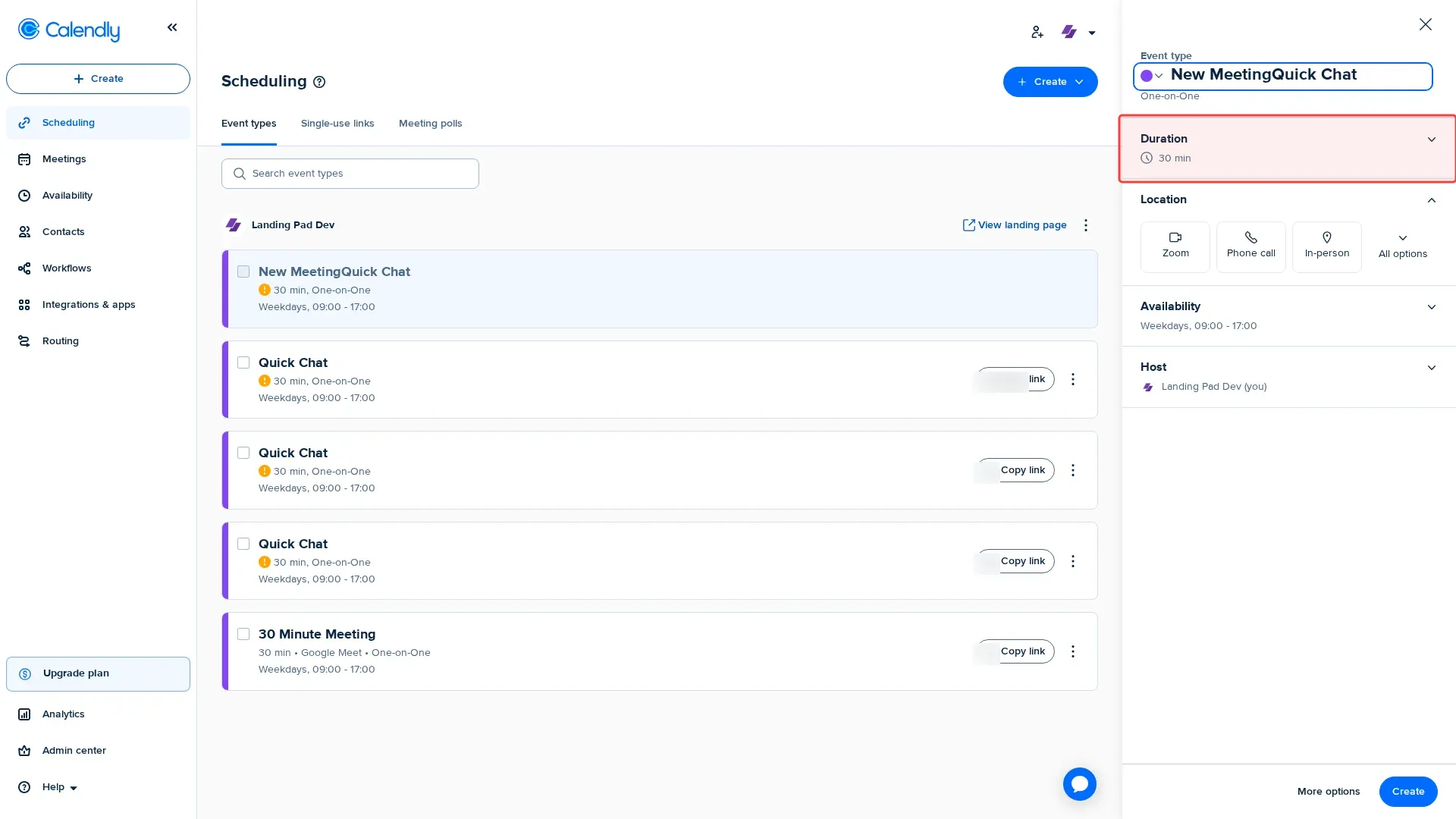
Step 4: Click Duration button to set meeting length.
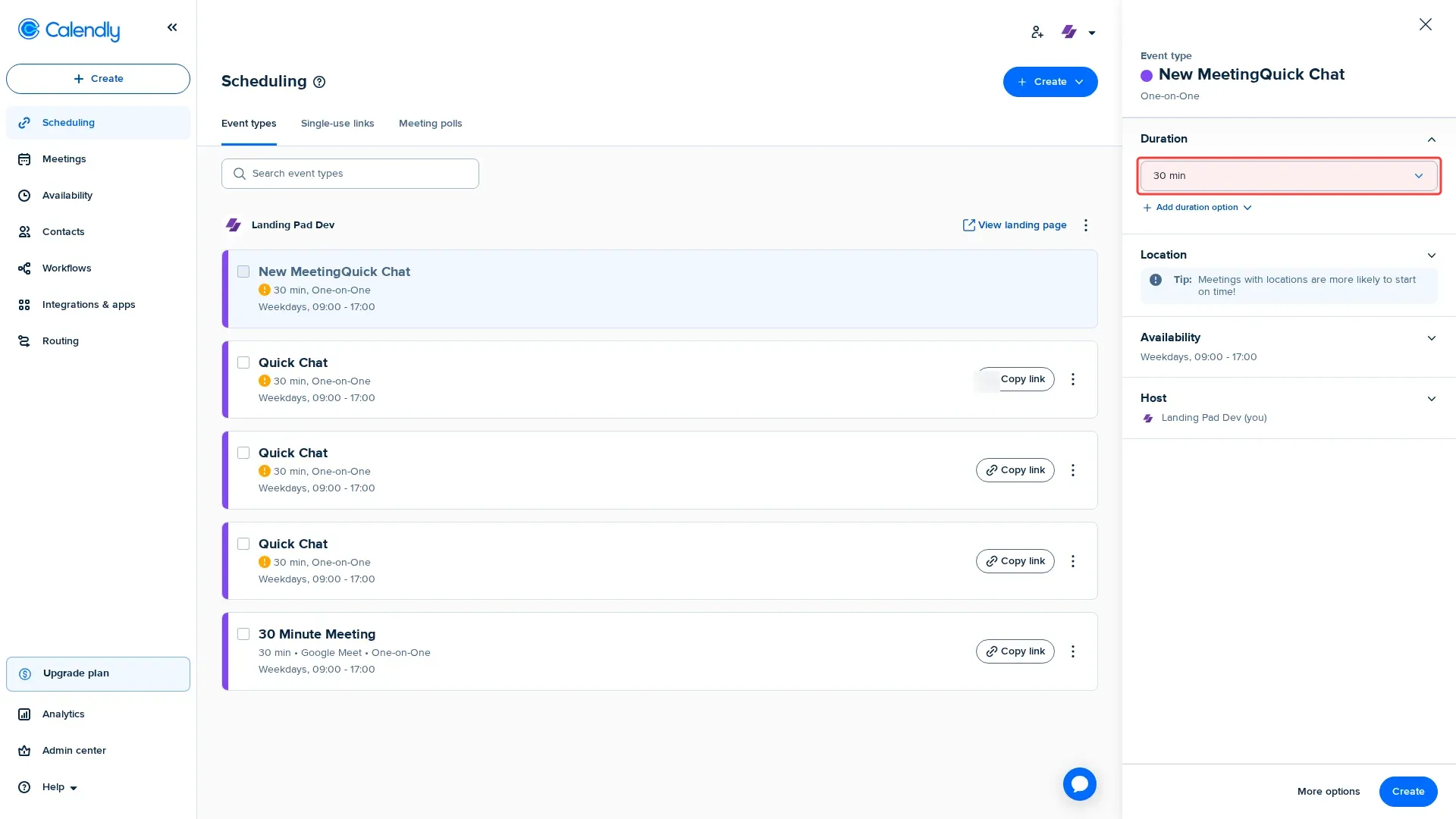
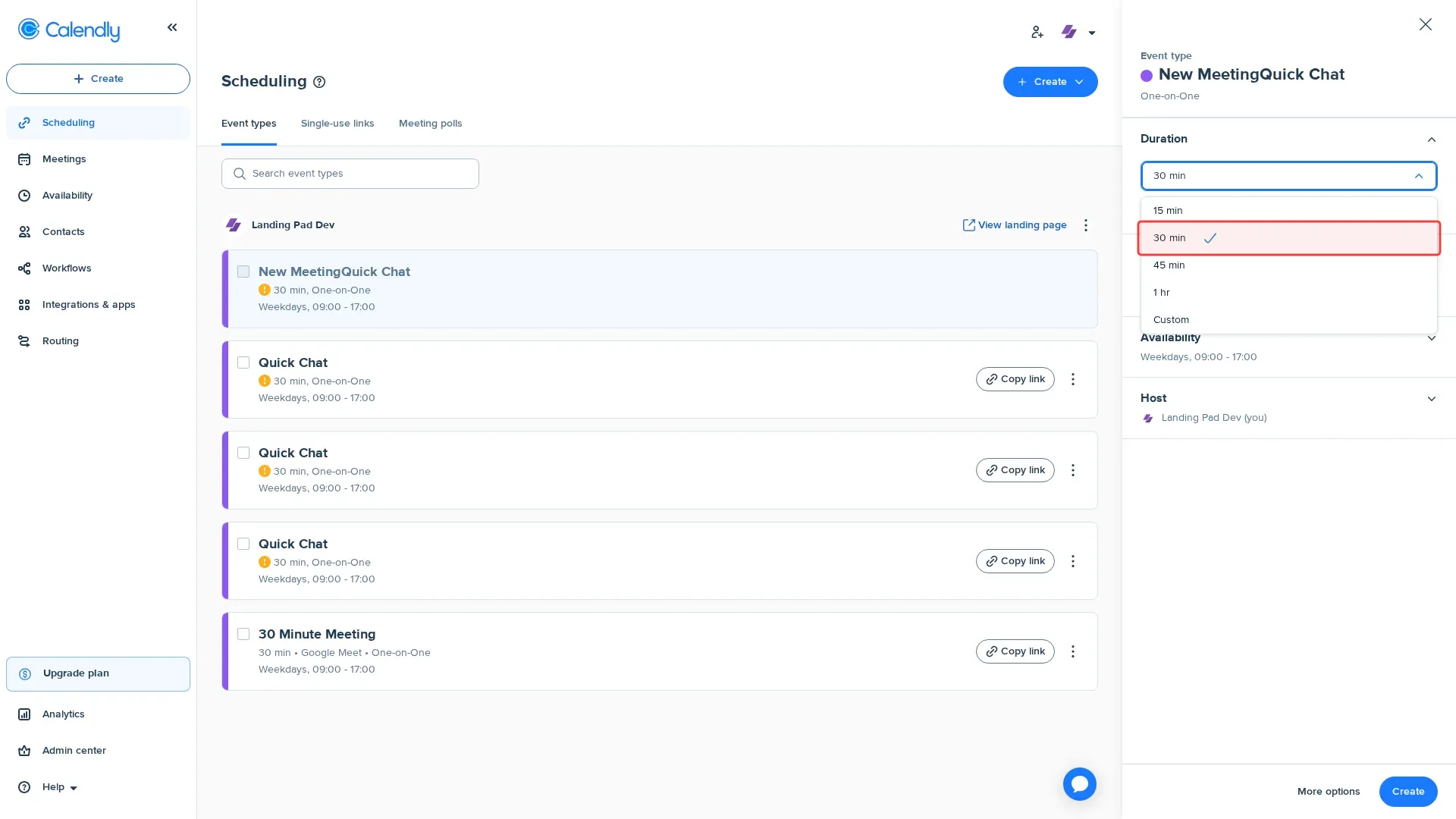
Step 5: Click duration dropdown to select 30 minutes.
Step 6: Select '30 min' duration option from dropdown.
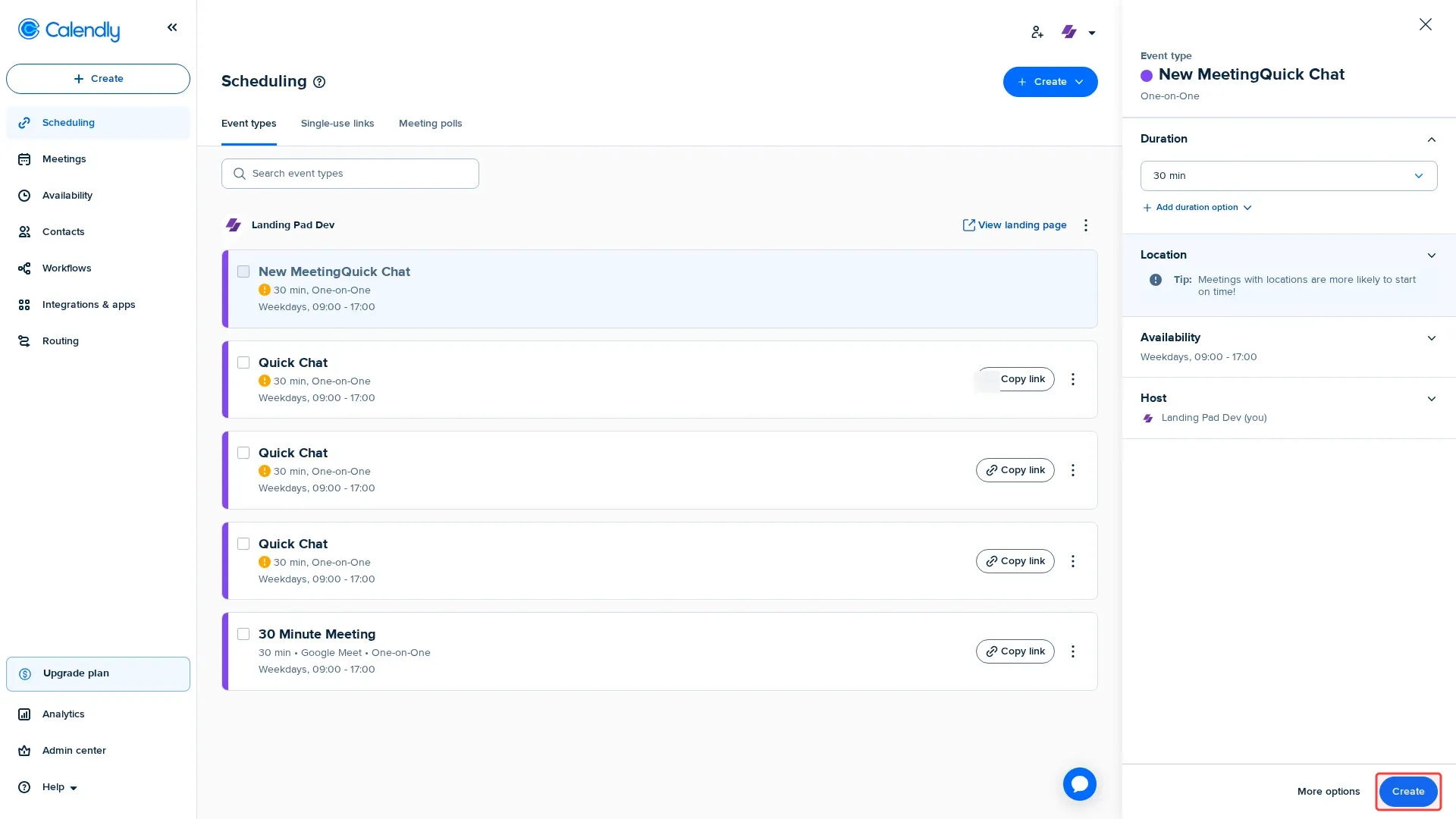
Step 7: Click 'Create' button to save the event type.
Tutorial complete.