Chatwoot

How to create a new canned response in Chatwoot

5 steps 1m 12s 15/02/2026 12:17
0:00 / 0:00

Transcript

Step 1: Type email address in the login form.

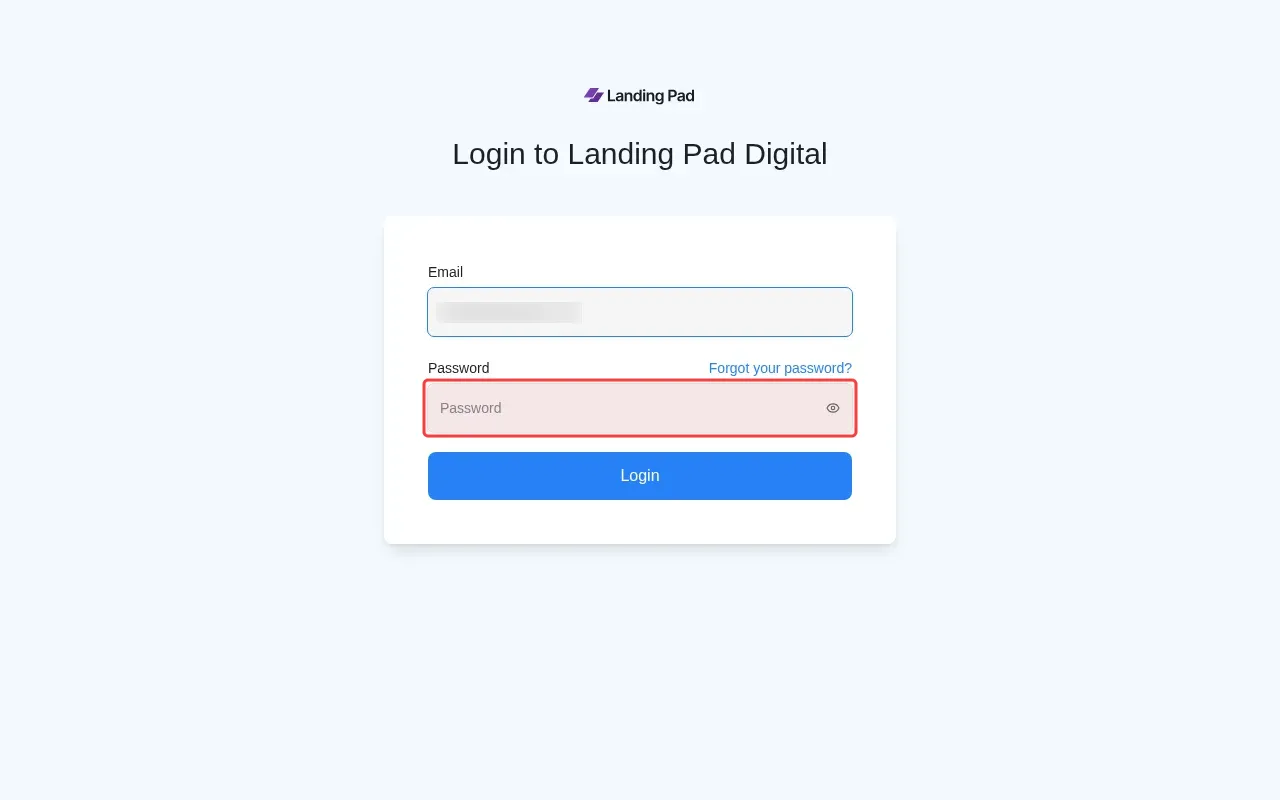
Step 2: Type password in the password field to login.

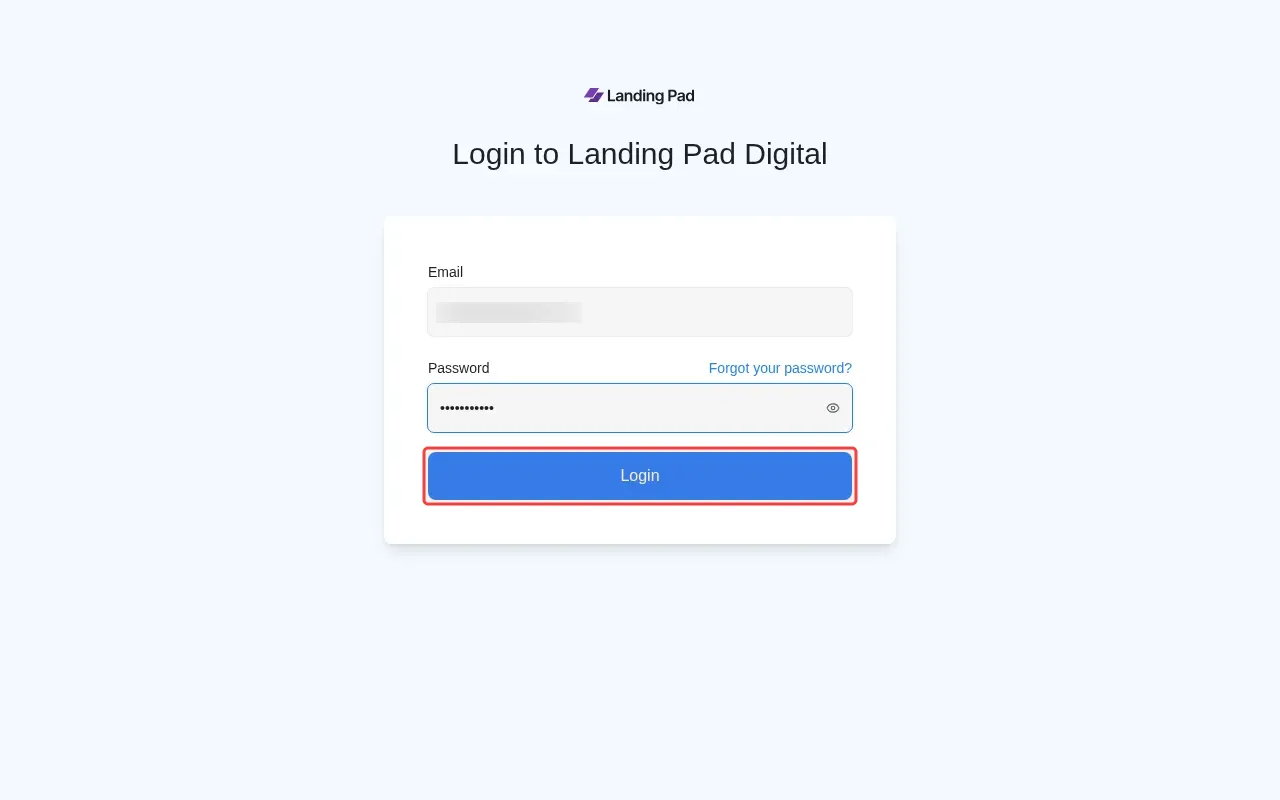
Step 3: Click Login button to access the system.

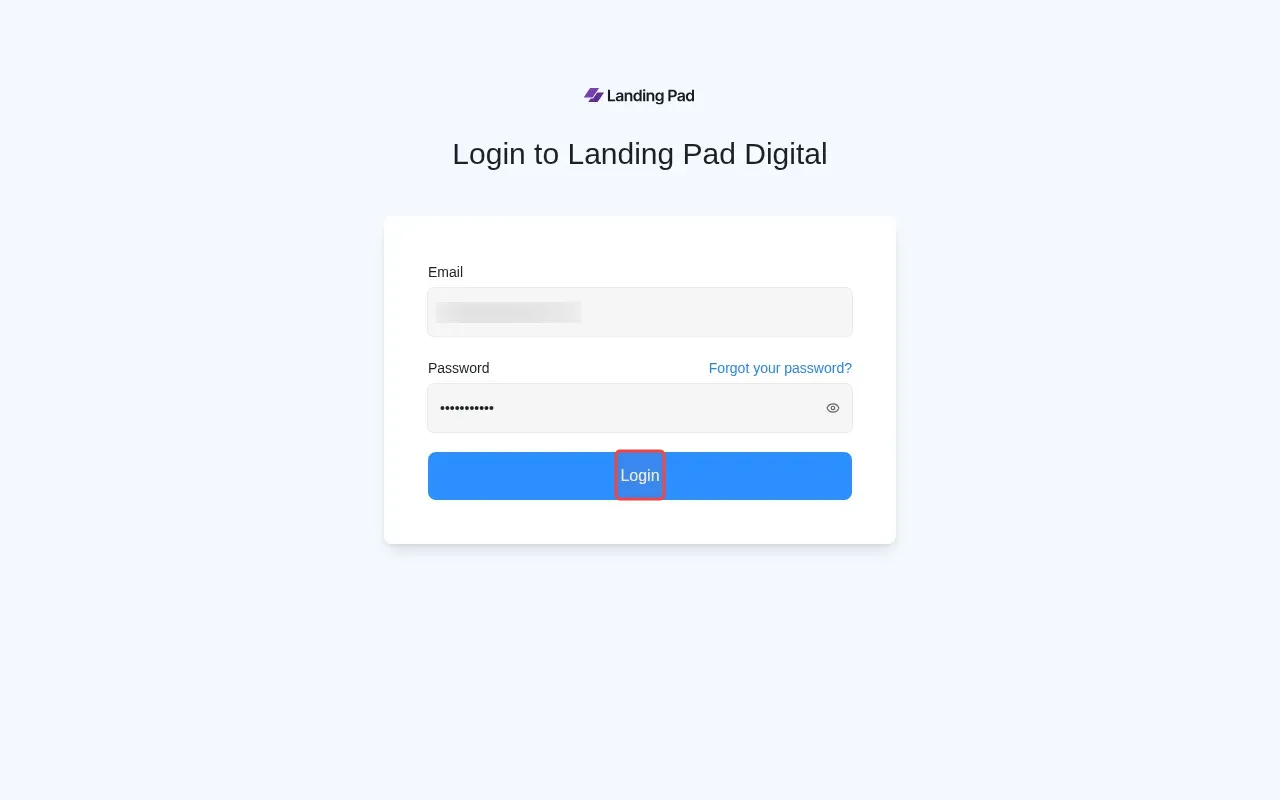
Step 4: Click Login button at center coordinates to authenticate.

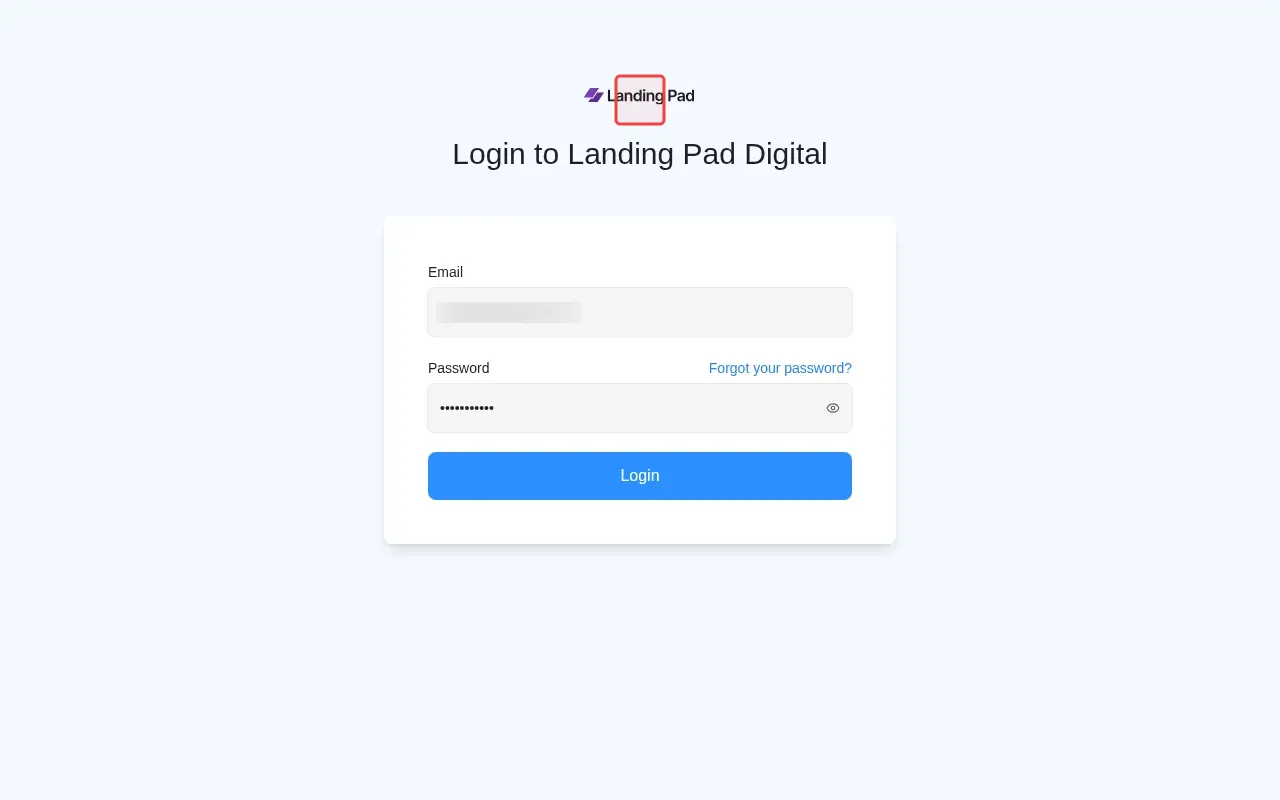
Step 5: Click Landing Pad logo to find Chatwoot access.

Tutorial complete.

Step-by-Step Guide

1

Type email address in the login form.
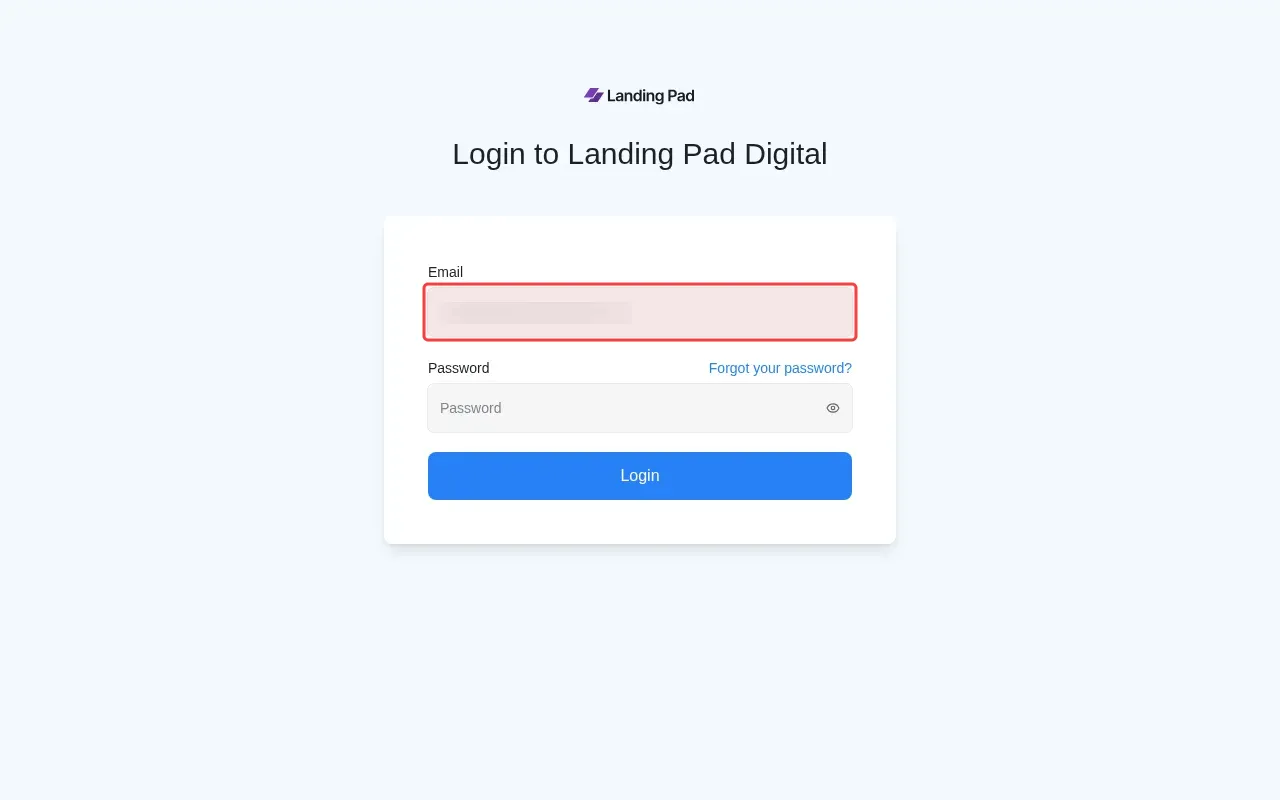
Screenshot showing typing email address in the login form
2

Type password in the password field to login.

Screenshot showing typing password in the password field to login
3

Click Login button to access the system.

Screenshot showing clicking Login button to access the system
4

Click Login button at center coordinates to authenticate.

Screenshot showing clicking Login button at center coordinates to authenticate
5

Click Landing Pad logo to find Chatwoot access.

Screenshot showing clicking Landing Pad logo to find Chatwoot access