custom

How to create and use a S3 bucket

7 steps 2m 30s 15/02/2026 13:10 3 views
0:00 / 0:00

Transcript

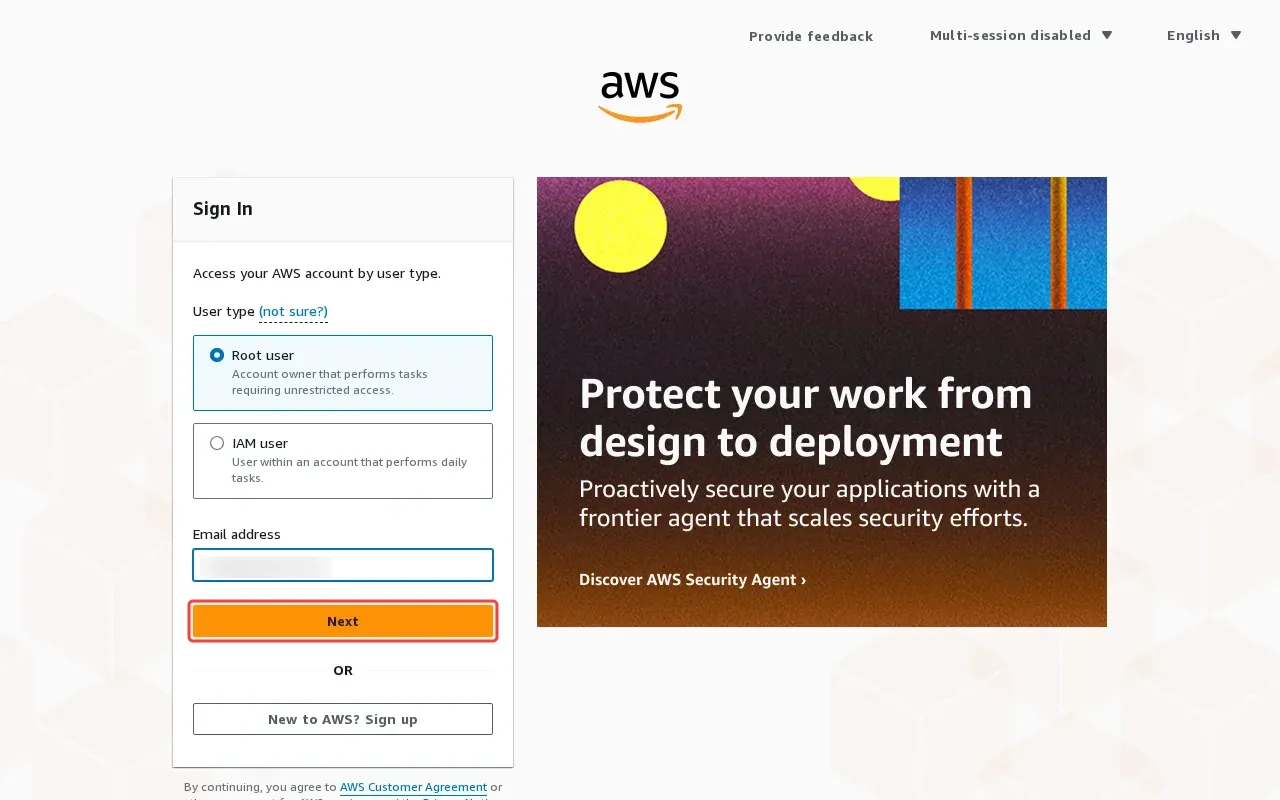
Step 1: Enter email address in the username field.

Step 2: Click 'Next' to proceed with sign-in.

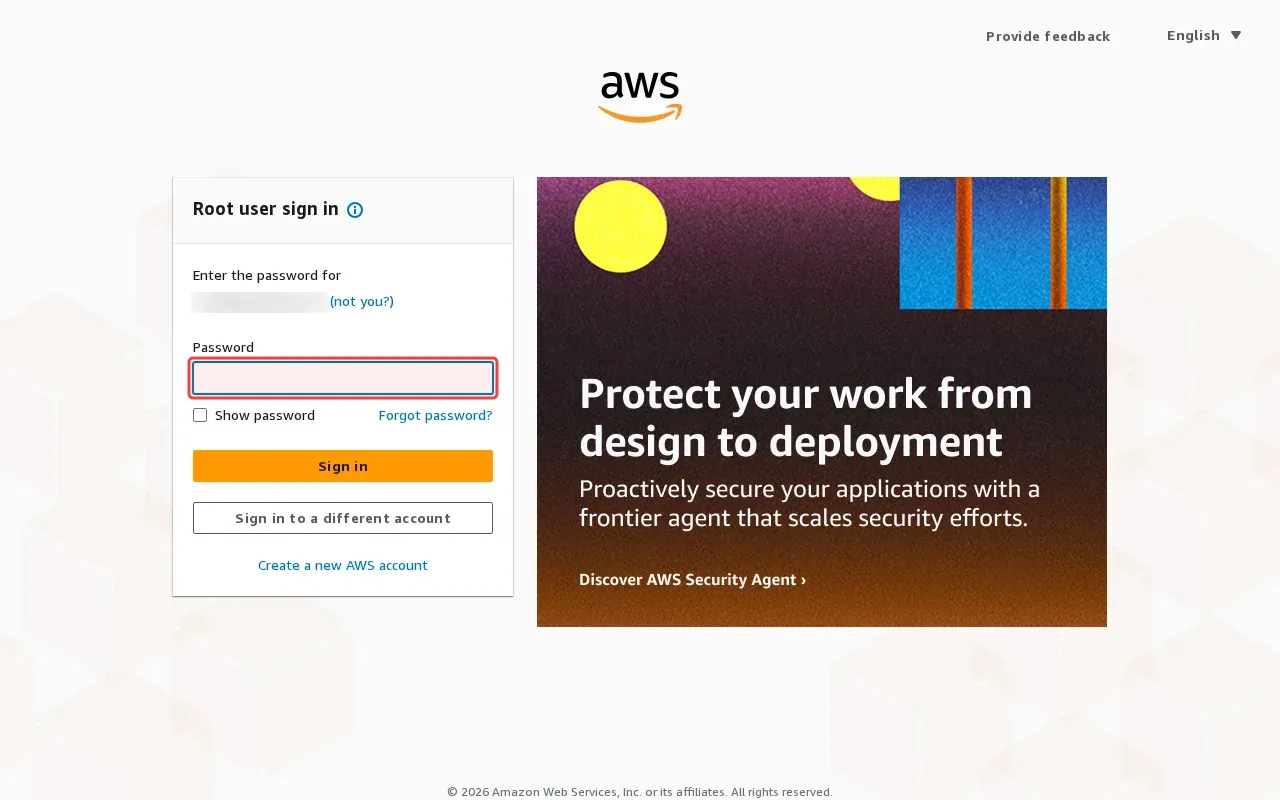
Step 3: Type password in the password field to continue sign-in.

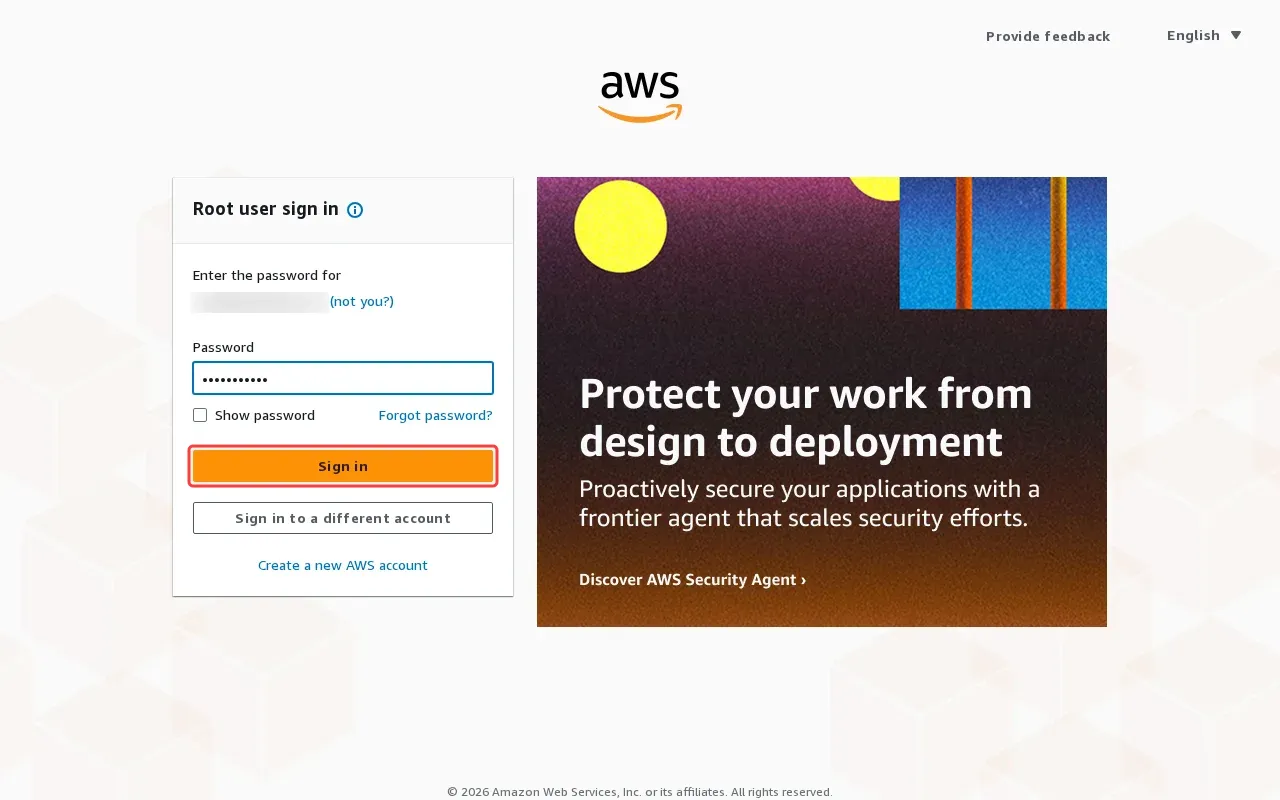
Step 4: Click 'Sign in' button to access AWS console.

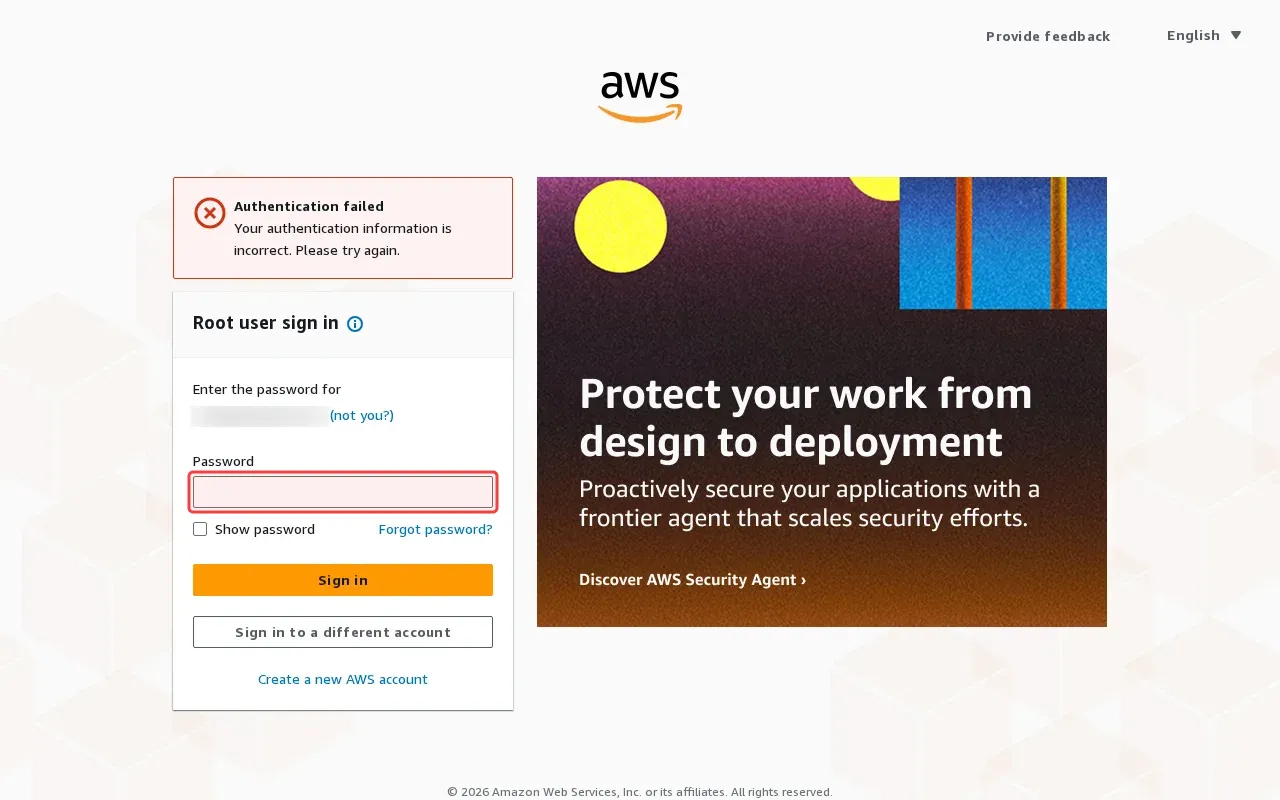
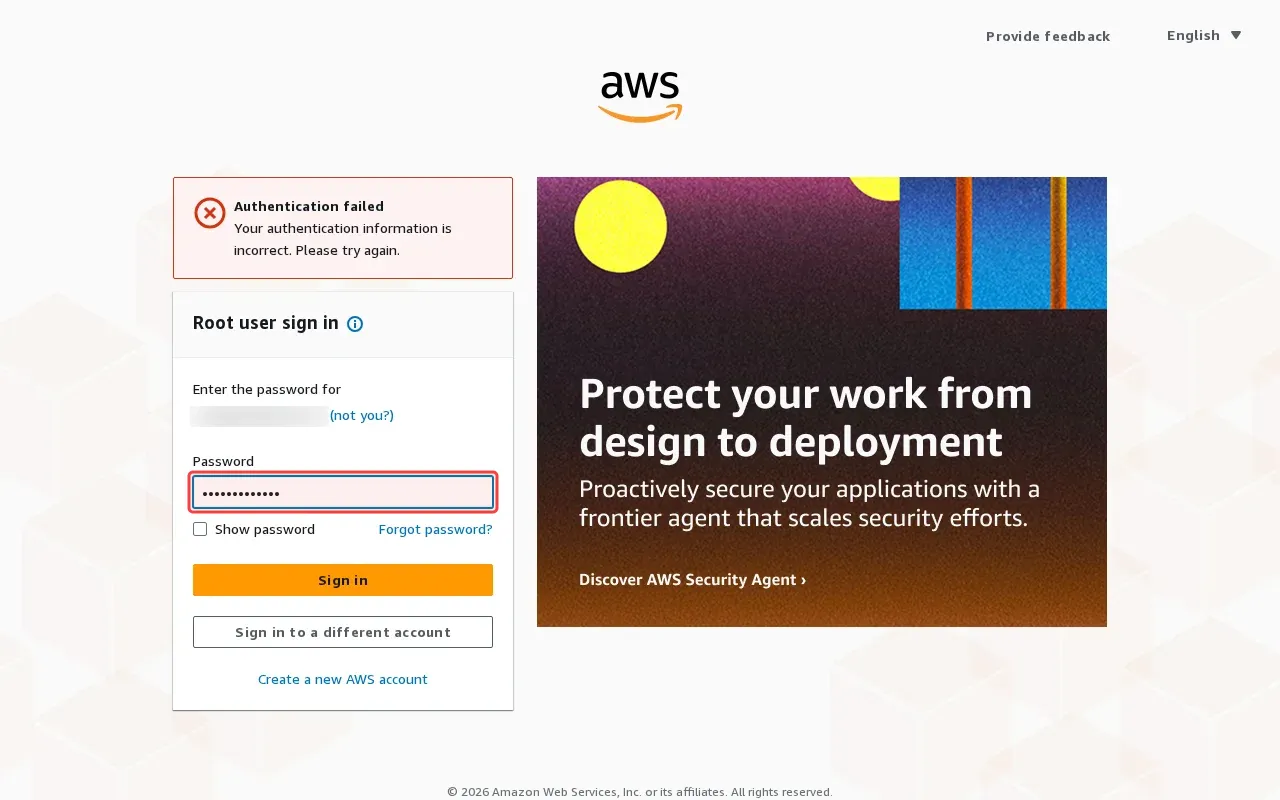
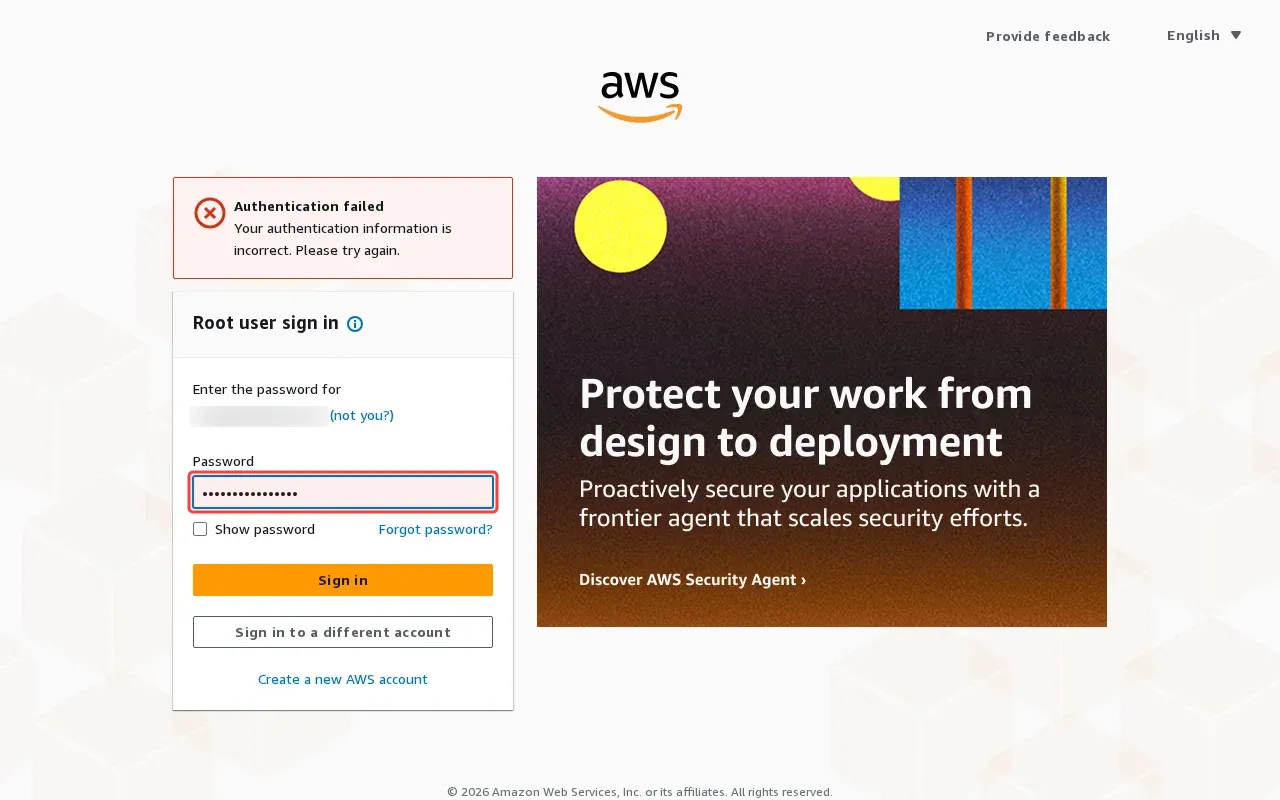
Step 5: Type password in the password field to authenticate.

Step 6: Type password in the password field for authentication.

Step 7: Enter valid AWS account password in password field.

Tutorial complete.

Step-by-Step Guide

1

Enter email address in the username field.
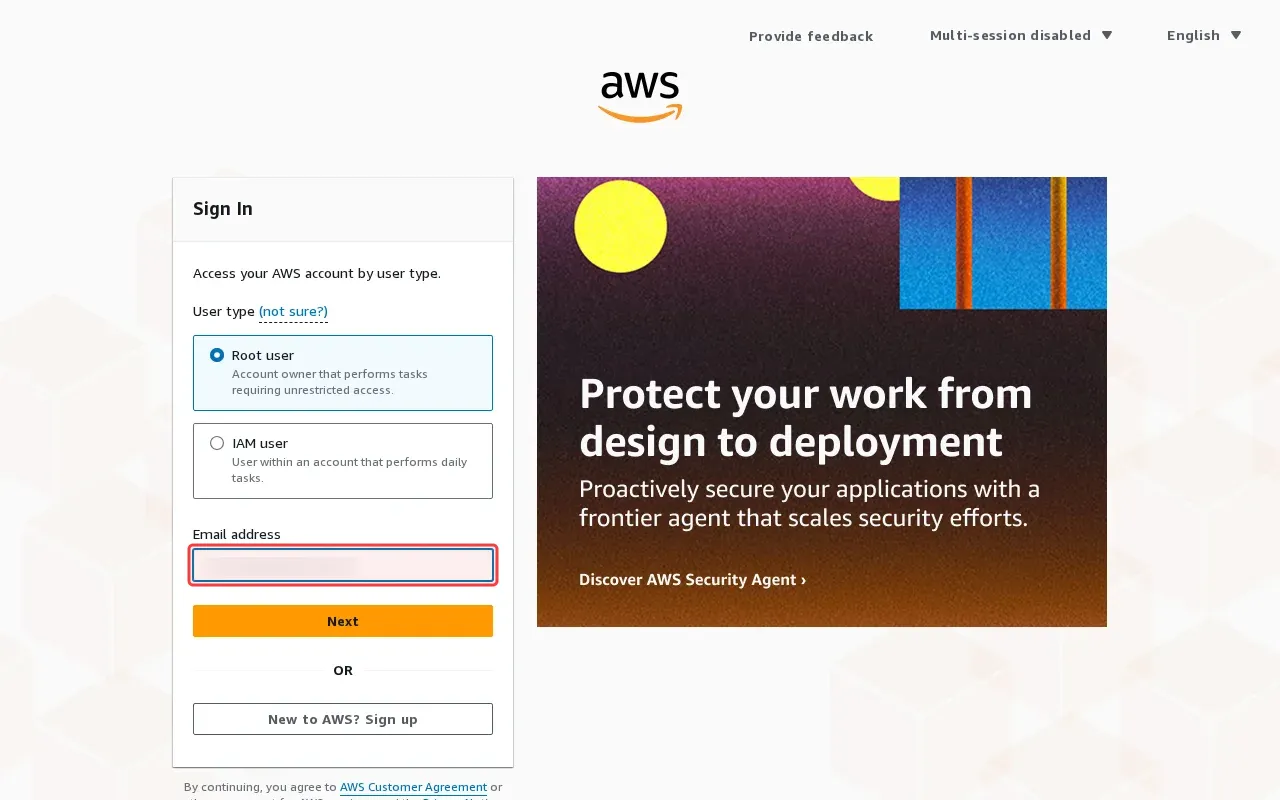
Screenshot showing entering email address in the username field
2

Click 'Next' to proceed with sign-in.

Screenshot showing clicking Next to proceed with sign-in
3

Type password in the password field to continue sign-in.

Screenshot showing typing password in the password field to continue sign-in
4

Click 'Sign in' button to access AWS console.

Screenshot showing clicking Sign in button to access AWS console
5

Type password in the password field to authenticate.

Screenshot showing typing password in the password field to authenticate
6

Type password in the password field for authentication.

Screenshot showing typing password in the password field for authentication
7

Enter valid AWS account password in password field.

Screenshot showing entering valid AWS account password in password field